No need to go searching for a manual. We got you covered right here.
Plug in USBAfter unboxing, simply plug the USB of your doc cam into your computer!
Download VisualizerVisualizer is a free software that will help you make the most of your doc cam.
You’re Done!Open Visualizer and switch to your doc cam to get started!
BENEFITS
Easily bring your teaching style to the next level. Here are some ways you can do so with IPEVO document cameras.
Distance LearningTeachers can thrive anywhere outside the classroom with IPEVO.
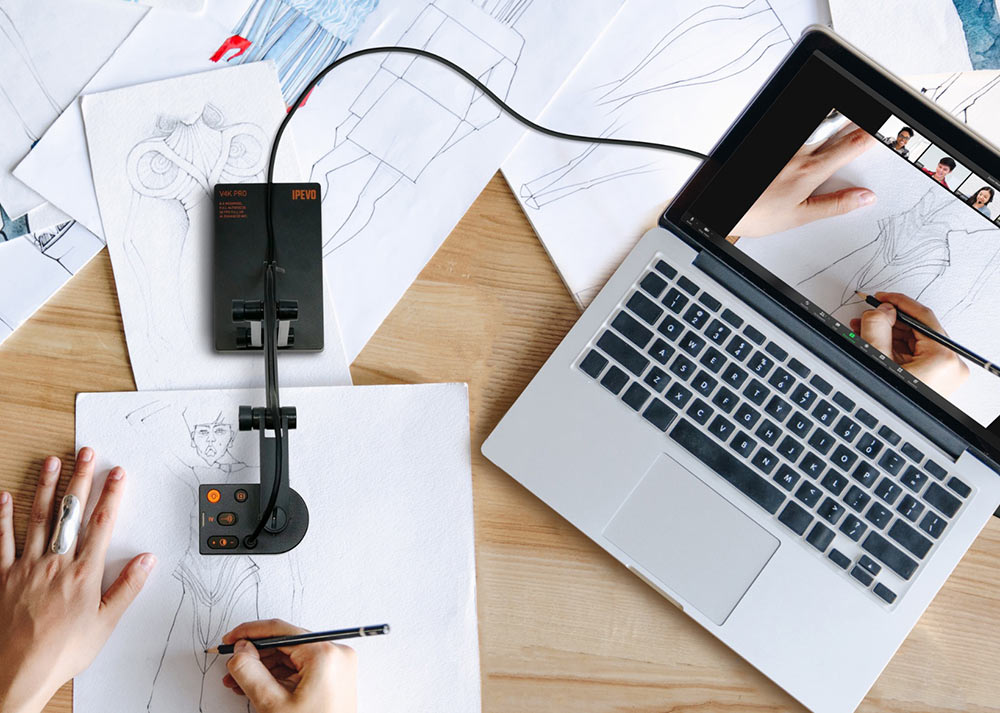
Video ConferencingConnect & instruct your students as if they were right in front of you.
CameraEasily save, capture & share on screen written notes and drawings.
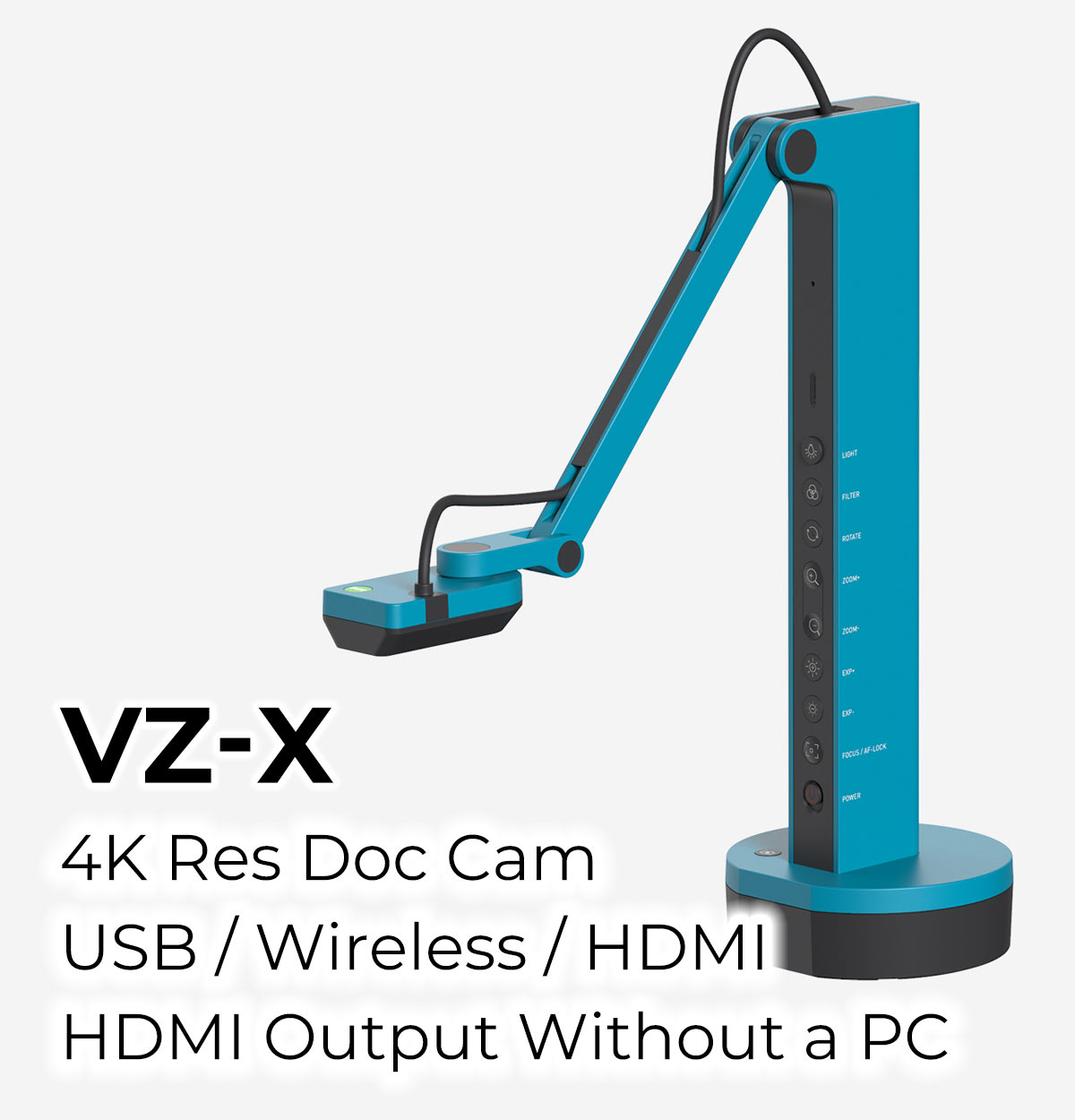
CompatibilityIPEVO document cameras work well with Windows, Mac, or Chromebooks. Connect with iOS or Android with our wireless option, the VZ-X.
Document ScannerSave time and scan important documents & files right at your desk. No need to get up or buy an expensive scanner!
PortabilityBring it with you to the classroom or keep it at home. IPEVO doc cams are lightweight and won’t take up space in your bag.
REVIEWS
Don’t take our word for it. See what other teachers say about our products.
“ Super easy to use and switch from the doc camera to yourself while doing Zoom… It’s also really light weight and takes up little room in my closet when I’m not using it. You will not regret it. ”
-- Jamie
“ It is nicely built and light weight, quite easy to use, and flexible with the shooting angles/direction. Very reasonably priced as well. Would definitely recommend. ”
-- Dakota
“ Purchased this camera to use for distance learning for my students when the school went to online instruction… I would purchase this item multiple times. ”
Low on budget? The FCC is currently offering schools and libraries an Emergency Connectivity Fund (ECF) to aid teachers in remote learning. Applications end on May 13.
Contact us at salesus@ipevo.com
for sample requests and business cooperation.